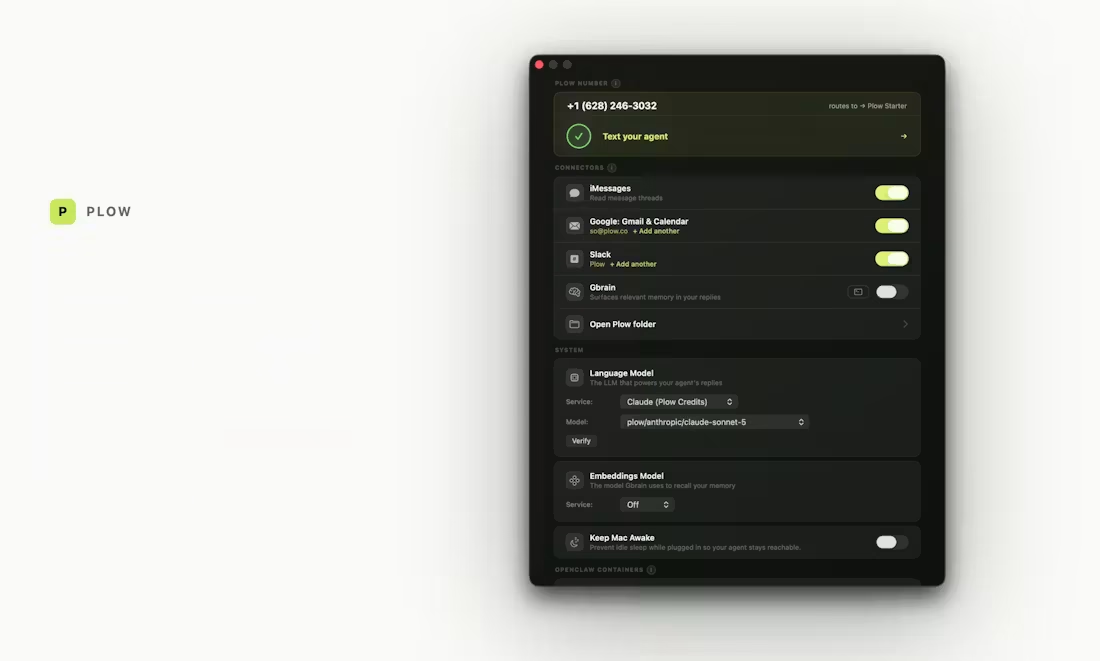
Latch lets Claude.ai, Codex, OpenClaw, and Hermes browse, run commands, open files, and use your accounts on your Mac. It can finish the job instead of giving you a list of steps. Your files stay on your Mac.
Latch connects the AI you already use to the browser, CLI, files, and logins already on your Mac. Tell it the outcome. It can take the steps instead of handing them back to you.
Download Latch, copy your Mac’s MCP link, and paste it into Claude.ai, Codex, OpenClaw, Hermes, or any MCP-compatible agent.
Your files, browser, and saved logins are already there. Latch lets your agent use them on your Mac, and Plow keeps no copy — there is no Plow cloud database holding your data. It can fill passwords without revealing them to the agent.
A page, email, or file can try to redirect your agent and siphon your data. Anything you haven’t already allowed stops for a decision — yours, or the AI Reviewer’s, judging it against the job you set. The reviewer treats whatever the agent wrote as data rather than instruction, and denies when it can’t reach a verdict.
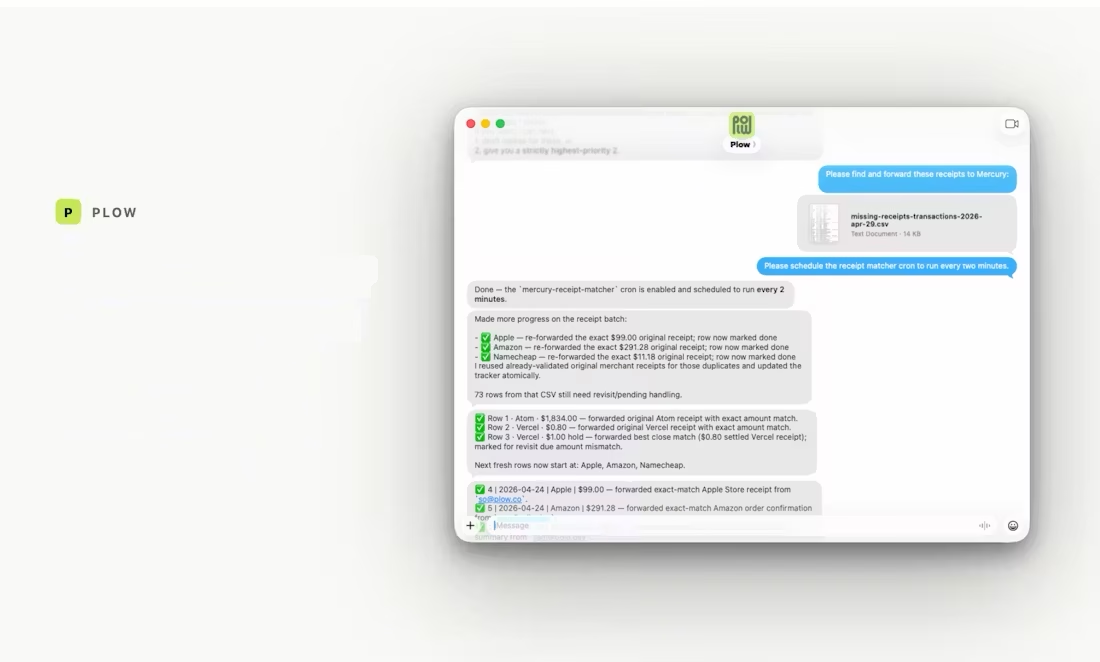
Book a campsite. Reserve a restaurant. Pay a utility bill. Match expenses with receipts. The little 15-minute jobs your agent could explain—but couldn’t actually finish.
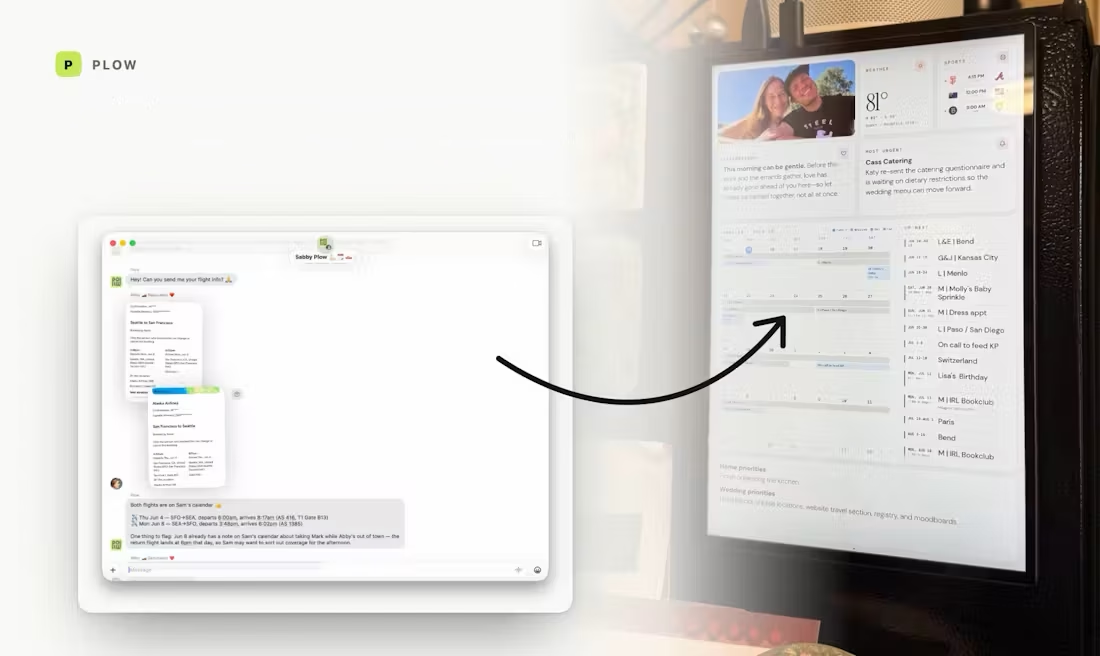
Find a campsite, book it, and put the confirmation on your calendar.
Members have built a Raspberry Pi you can text from anywhere, a calendar agent that runs the family schedule, and a fridge touchscreen that serves the morning digest. We write up the best builds as guides you can hand to a coding agent and install.
In Discord, we compare setups, fix what breaks, and keep pushing what agents can do.
Download Latch. Connect the agent you already use. Give it a real job. It can use your browser, CLI, files, and accounts while you watch every request and decision.